
An AV system installation is a significant investment in how your organization communicates, collaborates, and engages with its audience. Whether you’ve upgraded a conference room, outfitted a new office, or installed technology for a large venue, the work doesn’t stop when the installers leave.
A successful AV system installation should deliver reliable performance, be easy to use, and support your business goals for years to come. Before signing off on the project, take time to review these five key details to ensure everything is working as intended and set up for long-term success.
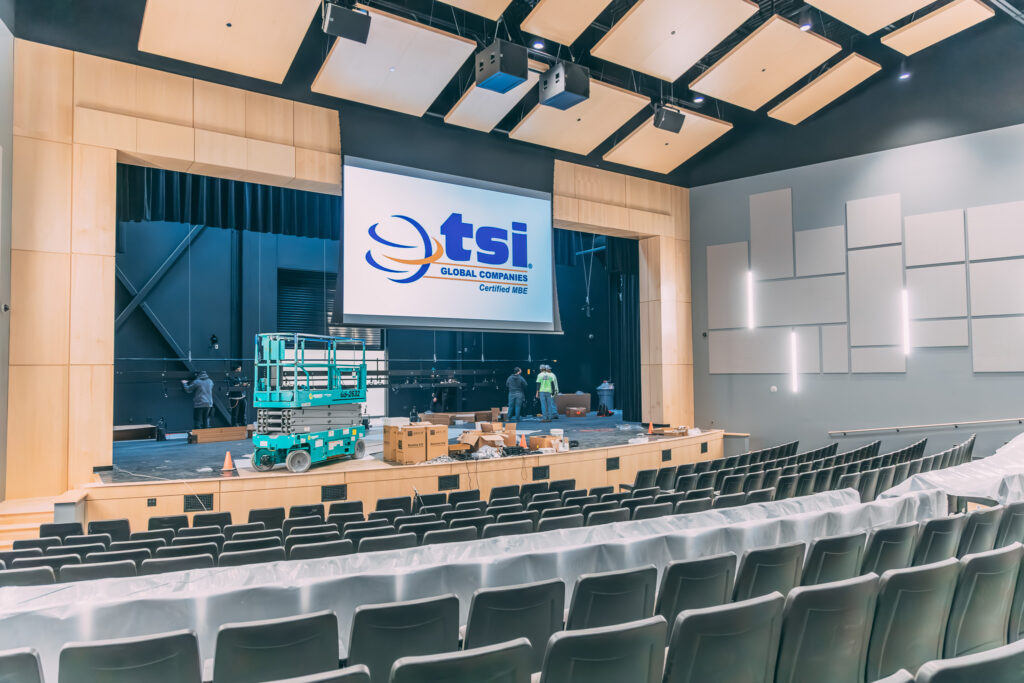
1. Overall System Performance
After your AV system installation is complete, the first priority is confirming that all components function properly together. This includes displays, projectors, microphones, speakers, cameras, control systems, and any integrated software platforms.
Test the system in real-world scenarios. Join a video conference, share content from multiple devices, adjust audio levels, and switch between sources. Audio should be clear and evenly distributed, while video should be sharp, properly aligned, and free from lag or distortion.https://tsi-global.com/audio-video/
If your installation includes multiple rooms or zones, verify performance in each space. Catching performance issues early allows your AV provider to fine-tune the system before it’s heavily used.
2. User Experience and Ease of Operation
A technically advanced AV system is only effective if people can use it confidently. One of the most important things to check after an AV system installation is how intuitive the system feels for everyday users.
Control panels should be simple, clearly labeled, and designed for common tasks like starting meetings, adjusting volume, or sharing content. If users struggle to perform basic functions, it may indicate the need for interface adjustments or additional training.
This is also a good time to ask whether quick-start guides or short training sessions would benefit your team. Improving usability early helps increase adoption and reduces future support requests.
3. Cable Management and Equipment Layout
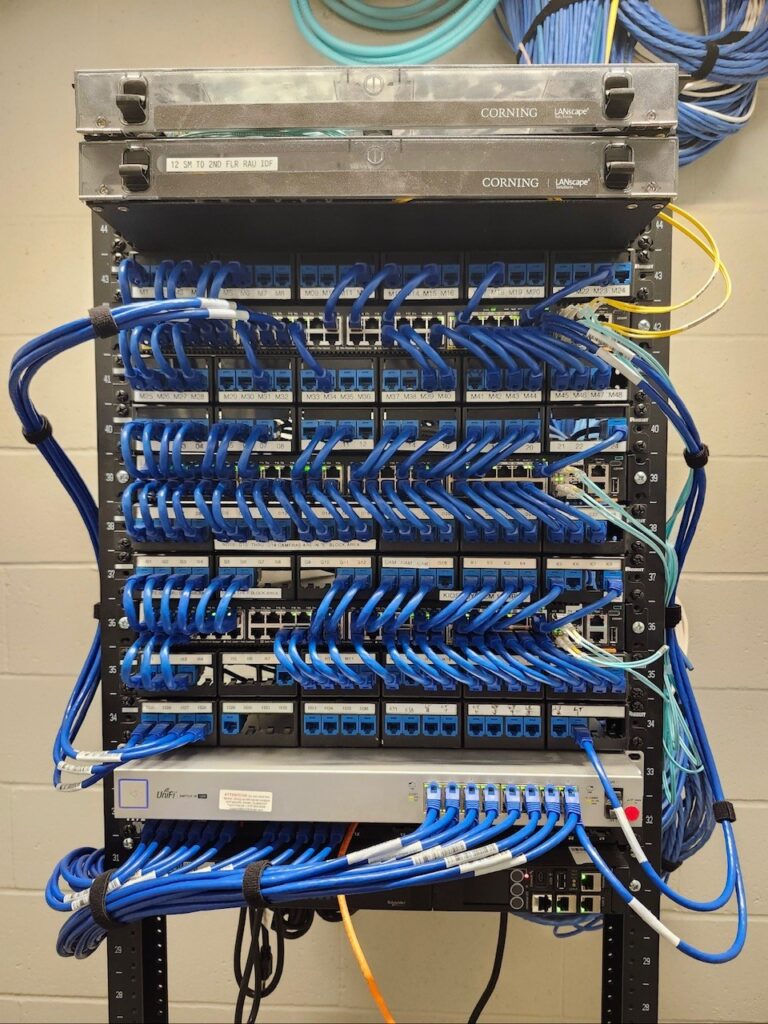
While users may never see what’s behind the scenes, proper cable management plays a critical role in the success of any AV system installation. Take time to inspect equipment racks, wall plates, and under-table connections.
Cables should be neatly routed, labeled, and secured to prevent signal interference, overheating, or accidental disconnections. Equipment racks should allow for proper airflow and easy access for maintenance.
Clean, organized infrastructure not only looks professional but also simplifies troubleshooting and future system upgrades. Poor cable management can quickly turn a high-quality installation into an ongoing maintenance challenge.
4. Network Connectivity and Security
Most modern AV systems rely heavily on network connectivity. After your AV system installation, confirm that all networked components are properly integrated and aligned with your organization’s IT standards.
Test wireless presentation tools, video conferencing platforms, and cloud-based services to ensure stable connections. Verify that firmware is up to date, default passwords have been changed, and security settings are properly configured.
Coordination between your AV integrator and IT team is essential here. A secure, well-integrated system helps protect sensitive data while ensuring reliable performance across all connected devices.
5. Documentation, Warranties, and Ongoing Support
A professional AV system installation should always include thorough documentation. Make sure you receive system drawings, equipment lists, user guides, and warranty information for all components.
This documentation is invaluable for troubleshooting, onboarding new staff, and planning future expansions. It also ensures that service calls are faster and more efficient if issues arise.
Finally, understand your support options. Know who to contact for service, what response times to expect, and whether preventive maintenance plans are available. Clear support processes provide peace of mind and protect your investment long after installation day.
Final Thoughts
A successful AV system installation goes beyond turning on the system, it’s about ensuring performance, usability, organization, security, and long-term support. By reviewing these five key details, you can confidently move forward knowing your AV system is ready to support your organization’s communication needs.
Taking the time to evaluate your installation upfront helps prevent future issues and ensures your AV system delivers value from day one and well into the future.